Latest Gadgets
Fresh gadgets recently added to the marketplace
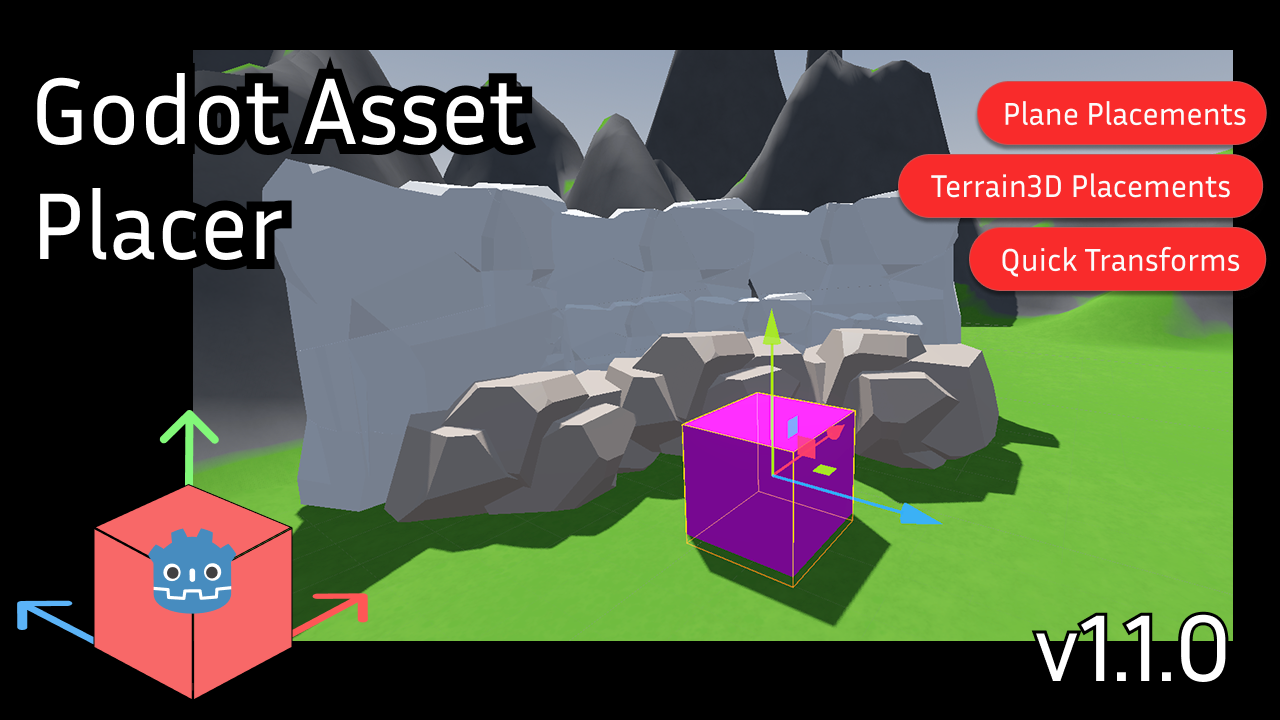
Godot Asset Placer
by levinzonr
Boost your Godot level design workflow with Godot Asset Placer — a free and open-source Godot Engine plugin that lets you easily manage, organize, and place assets into your 3D scenes. Key Features: Fast one-click asset placement in Godot Assets can be organized and filtered with collections In-Editor Update support Open-source & free to use (MIT License) Simple workflow for level design and prototyping

NotificationEngine
by Amose
A simple, flexible addon for godot that implements in-app notifications (cross-platform).
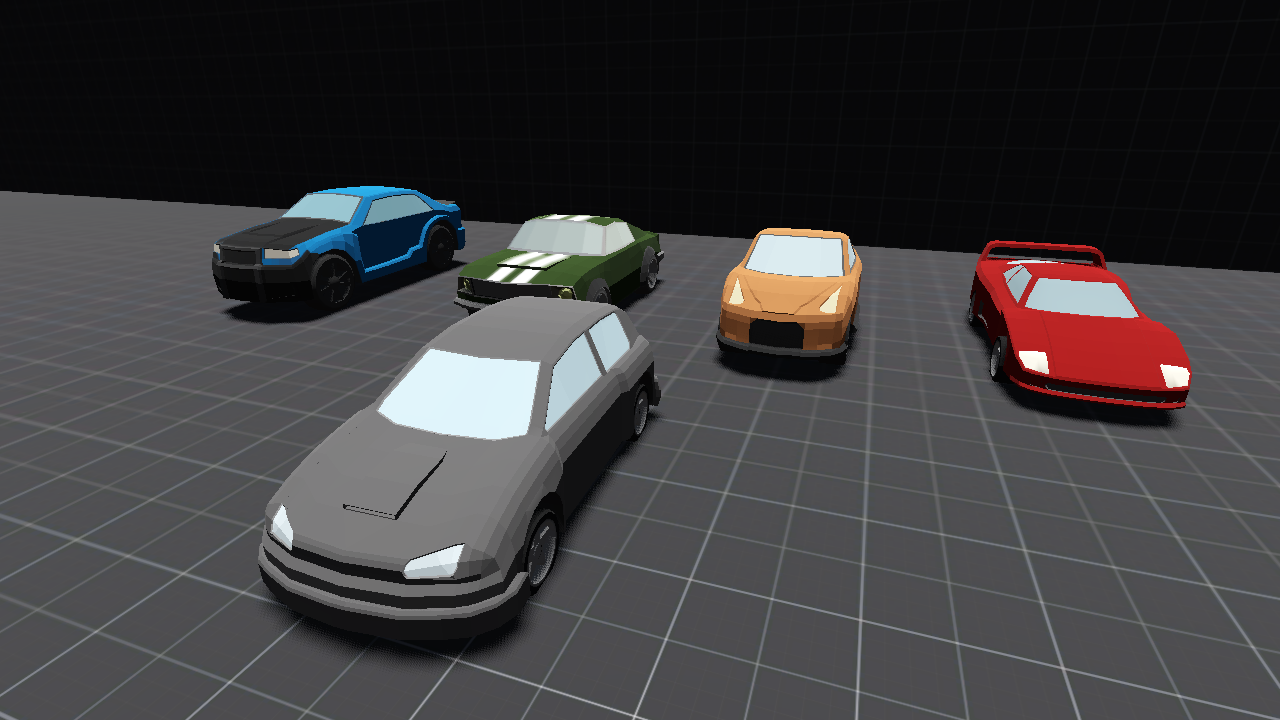
MAdvanced Vehicel System (M.A.V.S)
by Gidan
An Easy to use a very flexible vehicle system for making vehicles in godot which includes settings like Manual/Automatic Gearbox, Nitrous, Tire Puncture, Vehicle body and performance modifications. But also including some additional features like Minimap, Vehicle AI and Traffic System for your game needs!
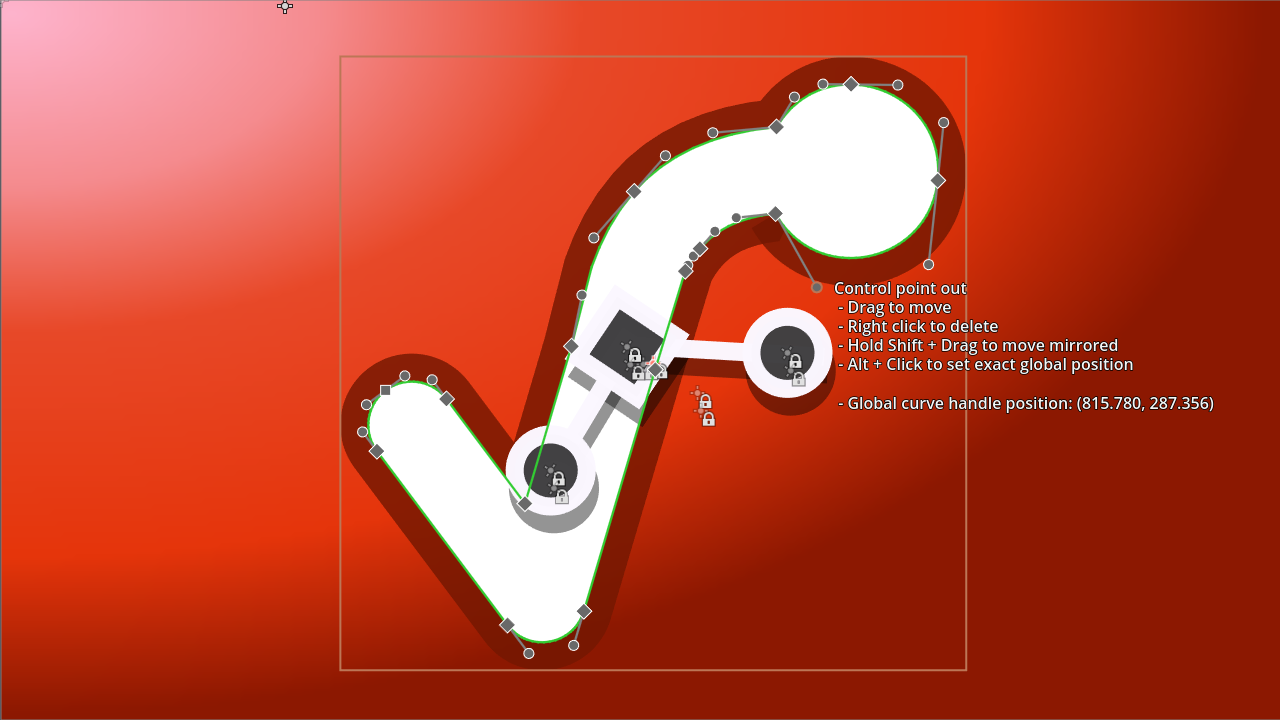
Scalable Vector Shapes 2D
by svs-2d-mkr
Scalable Vector Shapes 2D lets you do 3 things: - Draw seamless vector shapes using a Path Editor inspired by the awesome Inkscape - Animate curves of your vector shapes (useful for faces, whips, dents in cans) - Import .svg files as seamless vector shapes in stead of as raster images
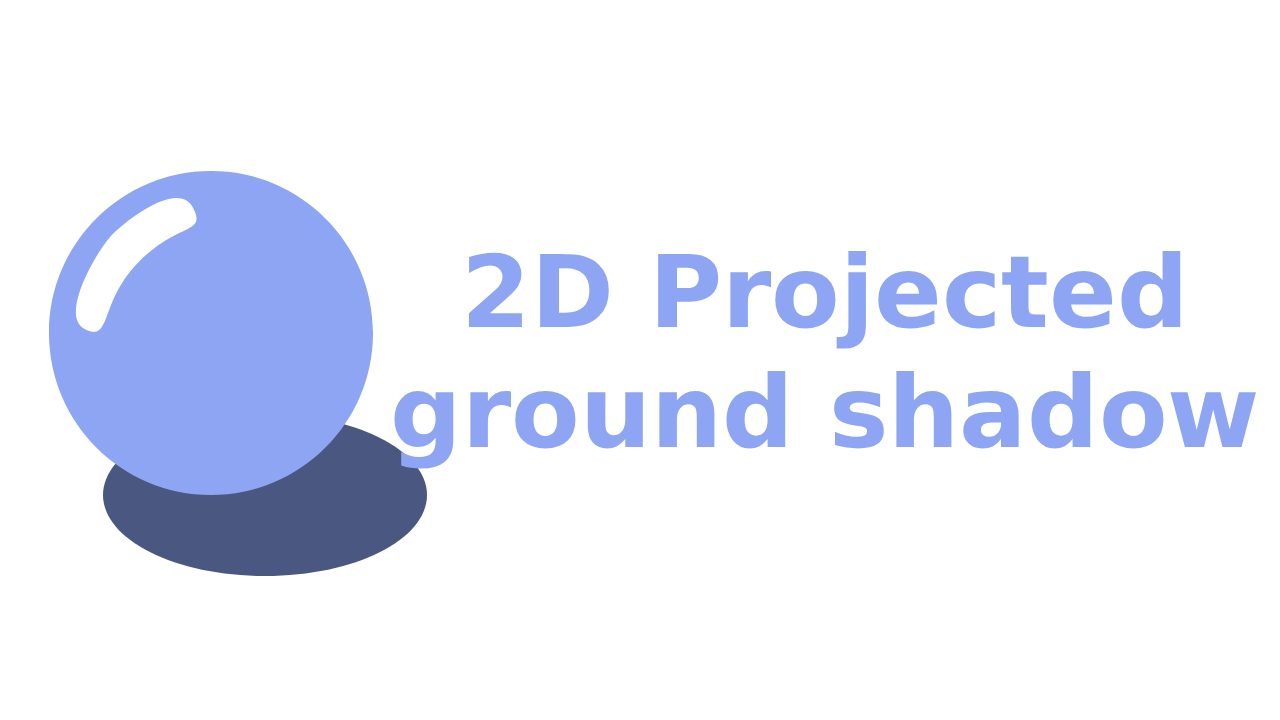
2D projected ground shadow
by socram
Generates a ground-projected shadow polygon based on collision points detected by several rays.
Tokebi-Metrics
by tokebimetrics
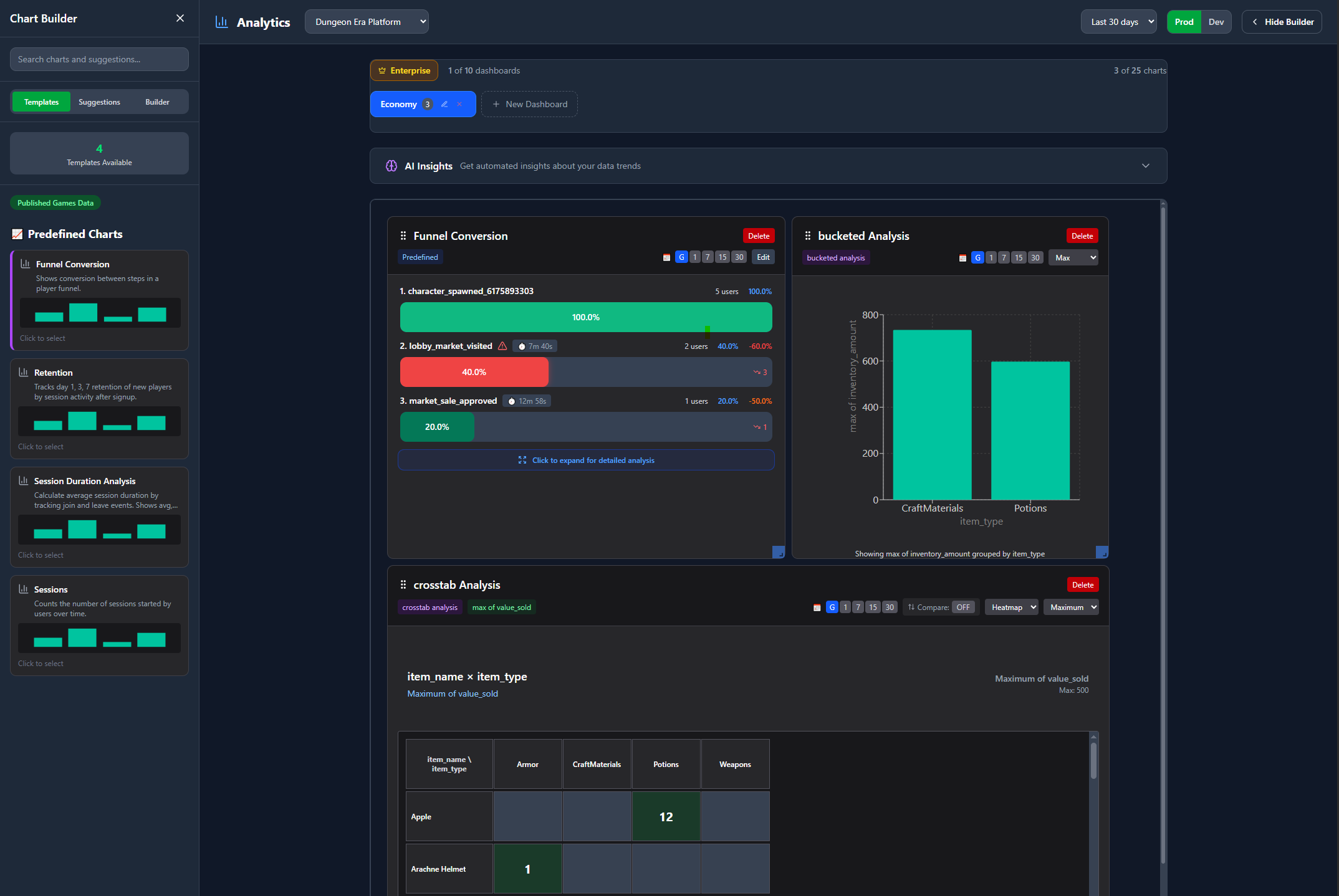
Imagine having a crystal ball showing exactly how players experience your game - what excites them, frustrates them, and keeps them coming back. Tokebi Metrics gives Godot developers that power. With simple setup, gain deep insights into player behavior and game performance. No guesswork. Turn raw data into smart decisions that level up your game's success while keeping privacy front and center. Your secret weapon for building games players love. Learn more: https://tokebimetrics.com
Simple C# FSM
by Visnicio
A Simple FSM implementation in C# for Godot Games

GDWiiInput
by 20akshay00
A Godot interface for communication with the Wii remote and its accessories, powered by Wiiuse.
Popular Gadgets
Most downloaded and recommended gadgets from the community
Radial ProgressBar 2D
by kameloov
Radial progress bar with customizable values like radius, thickness , color,....

NCrypt - Pure GDScript encryption/decryption/hashing
by nivrig
This project contains pure GDScript implementations of a number of common cryptographic primitives. Ciphers: AES, ARCFOUR, CHACHA Hashes: SHA256, HMAC-SHA256, SIPHASH Padding: PKCS#5 CSPRNG: CHACHA-FORTUNA These implementations are interoperable with common implementations of the same algorithms.

Godot Common Game Framework
by jocamar
A set of useful nodes to use in Godot projects that facilitate implementing features like split-screen, asynchronous scene loading, a global event manager and caching materials. Documentation at: https://github.com/jocamar/Godot-Common-Game-Framework If you have any questions you can reach out me on Twitter and I'll be happy to help: https://twitter.com/joaomarinheiro

3D Outline
by reisdev
A simple customizable 3D outline shader.. How to use? Just add the outline.material as next_pass to the material which is suppose to have an outline. For more details and tips check out the Test folder or read the README.md Customizable: - can be enabled and disabled through a simple shader parameter - choose your desired color - adjust the thickness of the outline
Scalable Vector Shapes 2D
by svs-2d-mkr
Scalable Vector Shapes 2D lets you do 3 things: - Draw seamless vector shapes using a Path Editor inspired by the awesome Inkscape - Animate curves of your vector shapes (useful for faces, whips, dents in cans) - Import .svg files as seamless vector shapes in stead of as raster images
GDWiiInput
by 20akshay00
A Godot interface for communication with the Wii remote and its accessories, powered by Wiiuse.

Kofi Donation Button 2D
by deybismelendez
A customizable button to request donations by ko-fi.
Melvin's Toon Shader System (C# with .net 7)
by melvin8d
NOTICE: Uses .net 7. Does not use standard lighting, instead uses a custom object to create a light direction. This is intended so that the artists have full control over the light angle like in a lot of anime toon shading applications. Repository has documentation. A toon shader system that comes with a custom light solution, and is based off of various anime toon shading techniques. Basic how to use: Add a CharacterLight object, then add the materials you want to control to the array of Sha...
Browse by Category
Find the perfect tools and assets for your Godot project
2D
2D graphics, sprites, and animations
3D
3D models, materials, and effects
Audio
Sound effects, music, and audio tools
FX
Visual effects and particle systems
Game Kits
Complete game templates and kits
Materials
Shaders, textures, and materials
Misc
Utilities and miscellaneous tools
Tools
Development tools and utilities